Blur documents online, before you share them.
Blur or black out names, account numbers, ID numbers and faces in PDFs, scans and screenshots, and get a copy that is actually safe to send. Free, and your file never leaves your device.
- No upload
- No account
- Works on PDFs
Customer details
Internal note
Rotated the key after the incident. Old key:
AKIAIOSFODNN7EXAMPLE
- Works with
- PNG
- JPG
- WebP
- PDF · up to 50 pages
- Plain text
How it works
Three steps, about a minute.
Drop a file
Screenshots, photos or PDFs. Or paste text you are drafting.
Review what we found
Emails, phone numbers, card numbers, IDs and API keys are flagged for you to confirm.
Export a safe copy
Redactions are burned in, metadata is removed, and the output is re-checked for leaks.
What it finds
The things people forget to cover.
Every suggestion is checked against the real format (a card number must pass its checksum, an IBAN its mod-97 check), so you review fewer false alarms. Anything it misses, you can box yourself.
- Emails
- Phone numbers
- Card numbers
- Bank accounts (IBAN)
- Bank details (A/c, IFSC, UPI)
- SSNs
- ID numbers (PAN, Aadhaar)
- IP addresses
- URLs
- Dates of birth
- Secrets & keys
- Names
- Addresses & places
- Organizations
- Faces
- Blur PDFBlur text, numbers and images in any PDF
- Redact PDFPermanently black out text in a PDF
- Blur imageBlur any part of a photo or picture
- Blur face in photoFaces are found and blurred automatically
- Blur screenshotBlur emails, names and numbers before you share
- Remove personal info from PDFFind and remove names, numbers and contact details
Document templates
Aadhaar, PAN, passport, cheque: one click.
Pick your document and tick what to hide. The right fields are covered as soon as your file opens.
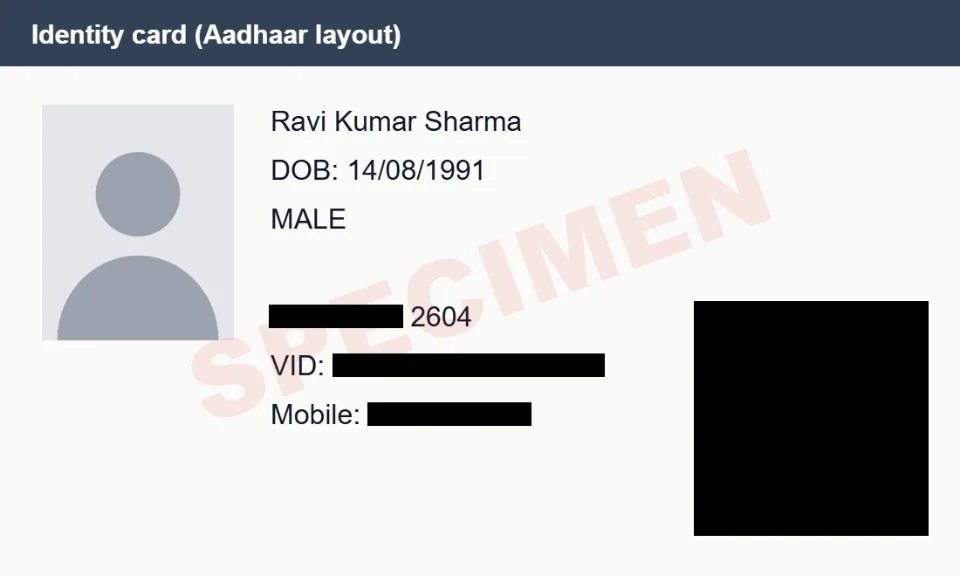
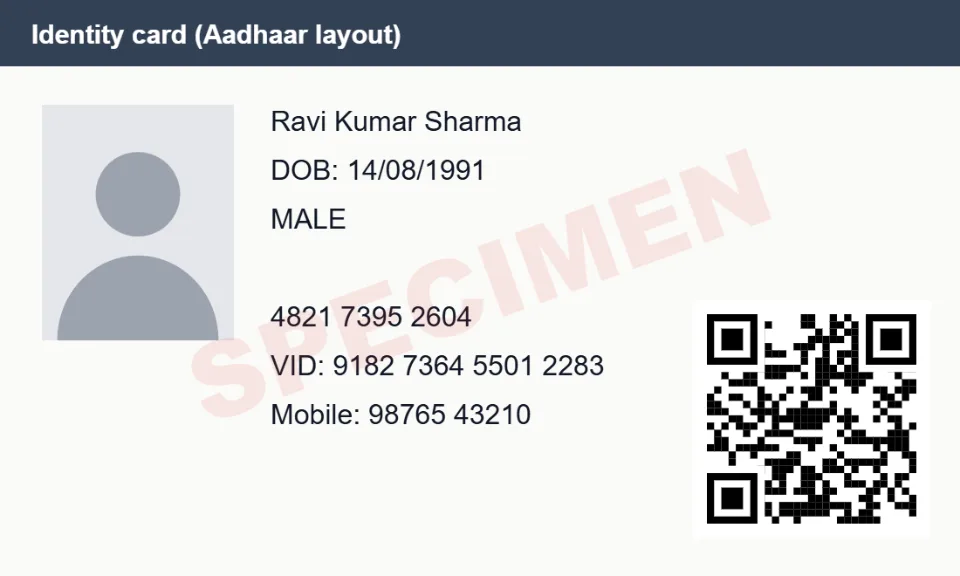
- Aadhaar cardHides: Aadhaar number, Virtual ID (VID), QR code, Phone number
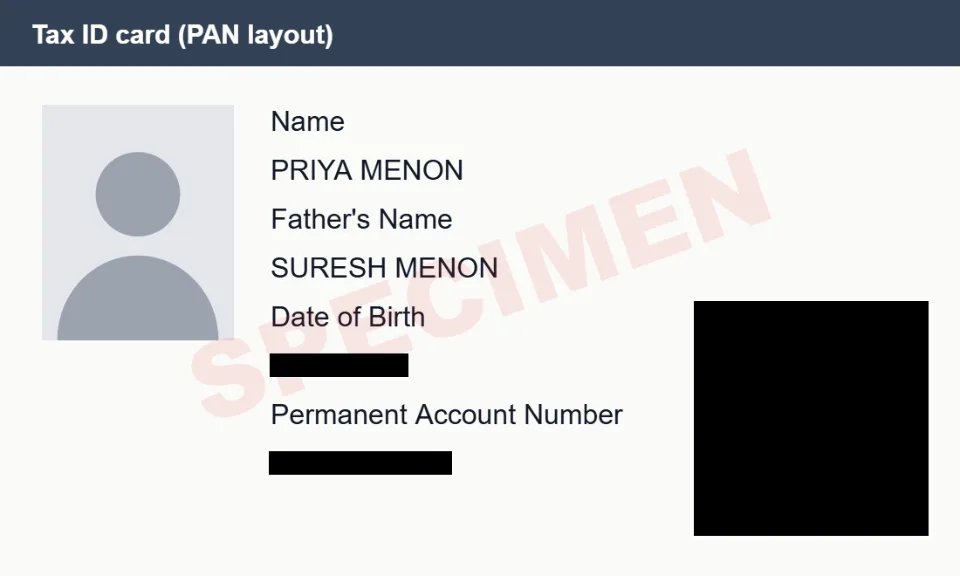
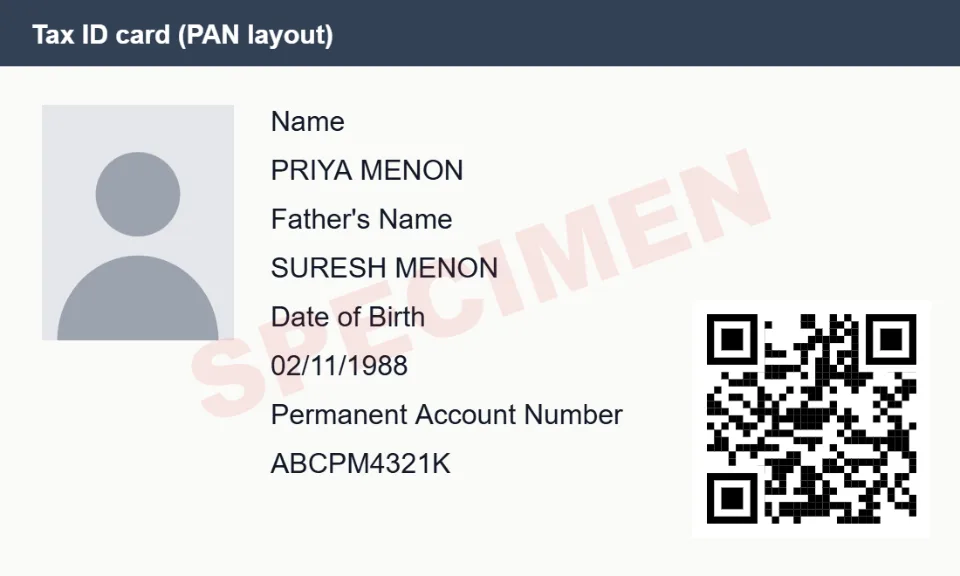
- PAN cardHides: PAN, Date of birth, QR code
- PassportHides: Passport number, Machine-readable zone (MRZ), File number, Date of birth, Address
- Driving licenceHides: Licence number, Date of birth, Address, QR code
- Voter ID (EPIC)Hides: EPIC number, Address, Date of birth
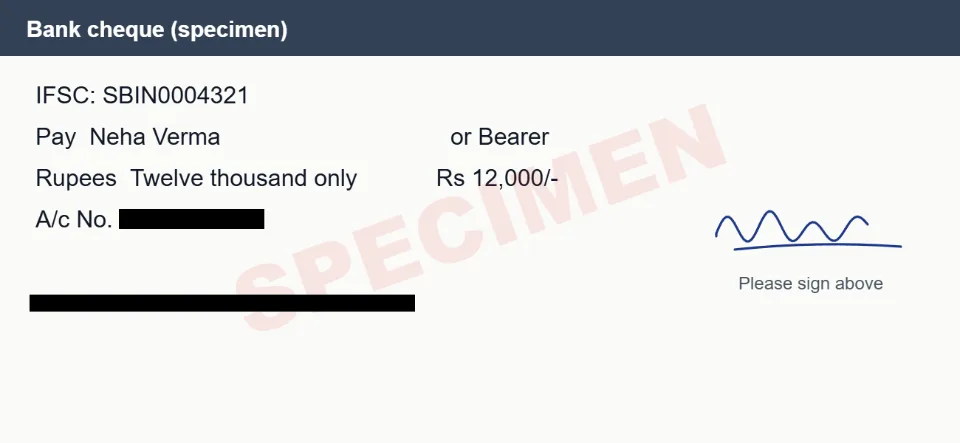
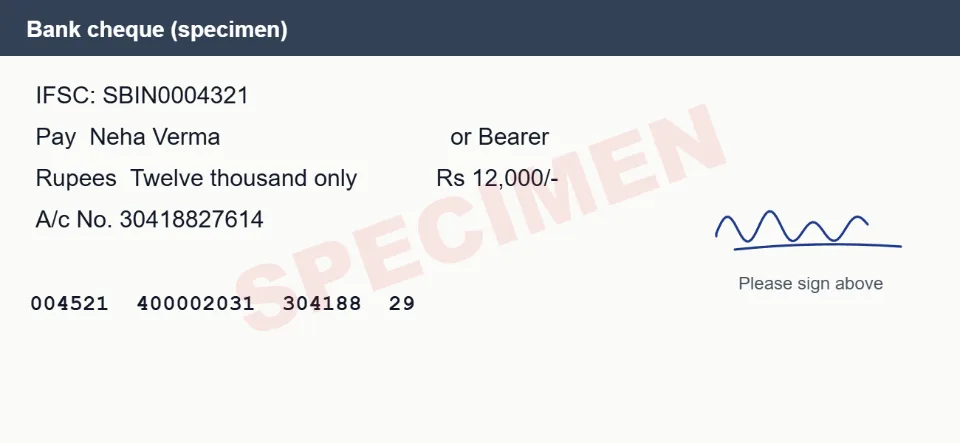
- ChequeHides: Bank account number, MICR line (bottom of the cheque)
- Bank statementHides: Bank account number, Customer ID / CIF, Address, Email, Phone number, UPI IDs, Card numbers
- Salary slipHides: PAN, UAN, PF number, ESI number, Bank account number
- UPI payment screenshotHides: UPI ID, Phone number, Transaction / UTR number, Bank account number, Email
- Credit / debit cardHides: Card number, Expiry date, CVV
- ID card (any)Hides: ID numbers, Date of birth, Phone number, Email, Address, QR code
- Utility billHides: Consumer / account number, Meter number, Phone number, Email
- Bank passbookHides: Bank account number, CIF / customer ID, Nominee, Phone number, Email
- Form 16Hides: PAN (yours and the employer's), Your name and address
- GST certificateHides: GSTIN, Business address
- InvoiceHides: Customer name, Address, Email, Phone number, Tax IDs (GSTIN, VAT, EIN), Bank details, Card numbers
- Resume / CVHides: Name, Email, Phone number, LinkedIn, GitHub and website links, Address, Date of birth, Photo
- Medical reportHides: Patient name, Patient ID / MRN / UHID, Date of birth, Phone number, Email, Address, Insurance / policy number
- Driver's license (US)Hides: License number, Date of birth, Address, Document discriminator (DD)
- Social Security cardHides: SSN
- W-2 formHides: Social Security number, Your name and address, Control number
- Ration cardHides: Ration card number, Aadhaar numbers, Address, Phone number
- MarksheetHides: Roll number, Enrolment / registration number, QR code
- Property documentsHides: PAN, Aadhaar numbers, Phone number, Email, Photo, Signature
- ITR acknowledgement (ITR-V)Hides: PAN, Acknowledgement number, Address, Aadhaar numbers, Email, Phone number
- EPF passbookHides: UAN, Member ID / PF account number, Date of birth
- Birth certificateHides: Registration / certificate number, Address, Aadhaar numbers, QR code
- Insurance policyHides: Policy number, Customer / proposal number, Nominee, Date of birth, Address, Phone number, Email, PAN
- UK passportHides: Passport number, Machine-readable zone (MRZ), Date of birth
- SIN (Social Insurance Number)Hides: Social Insurance Number, Address
How it stays private
Your file never leaves this tab.
Most redaction tools upload your document to process it. This one does all the work on your device, then hands you a freshly built file.
Your file
Screenshot, photo, PDF or text
Inside your browser tab
- 1. ReadText is read from the pixels (or the PDF text layer).
- 2. DetectPatterns and checksums flag personal data and secrets.
- 3. Burn inCovered areas are painted into a brand-new image.
- 4. Re-checkThe output is read again; leftovers are flagged.
Safe copy
No metadata, no hidden text
Our servers never see your file. There is no upload step: the page only serves the app itself.
Blur that actually hides things.
Blurred text can sometimes be reconstructed, and a black box drawn over a PDF often leaves the text underneath selectable. Blur Document avoids both.
Burned into pixels
Every page is rebuilt from pixels, so no hidden text layer survives.
Re-checked after export
The output is read again; anything still legible is flagged before download.
Solid by default
Blur and pixelation can be reversed on text, so solid boxes are the default.
FAQ
Questions, answered.
How do I blur a document online?
Open the editor, drop in your PDF, scan or screenshot, and Blur Document highlights names, numbers, IDs and faces for you. Accept what should be hidden, draw boxes over anything else, choose blur, pixelate or solid, and download the result.
Are my files uploaded anywhere?
No. Opening, reading, detecting and exporting all happen in your browser tab. The site only serves the app's code; there is no endpoint that accepts files. You can disconnect from the internet after the page (and the OCR engine) has loaded and it keeps working.
What does the AI option do?
It finds names, places and company names that fixed patterns can't, like “Dear Priya Patel” in a letter. It's a small open-source model that runs entirely on your device: the first time you switch it on, your browser downloads it from this site (about 29 MB) and keeps it cached. Your files and text are never sent to it or to anyone else.
Should I blur text or black it out?
Black it out. Blurred or pixelated text, especially numbers, can sometimes be reconstructed, so solid boxes are the default for text. Blur and pixelate are best for faces, photos and backgrounds, and the editor warns you if you blur text.
How reliable is the detection?
It finds common formats (emails, phone numbers, card numbers with a checksum, IBANs, IPs, API keys and more), but reading text from images is never perfect. That's why every suggestion is yours to confirm, you can draw boxes yourself, and the finished file is read again before download to catch anything still legible.
What happens to PDFs?
Every page is rendered to an image and rebuilt into a new PDF. Text under a redaction is truly gone, along with the document's metadata, hidden layers and form fields. The trade-off: text in the result is no longer selectable and the file can be larger.
Do I need an account?
No. There's nothing to sign up for and nothing is stored about you: open the page and start redacting.
Share the screenshot, not the secrets.
Drop a file and see what it finds. It takes about a minute and nothing is uploaded.